Scheduling · UK service businesses
Scheduling software for UK service businesses
Scheduling is the operating centre of the day: the right job, the right person, the right time. WrkGenie lets you organise the work you've already won — allocate it to your calendar and your team, catch conflicts, and keep every job connected to its customer and invoice.
The day falls apart one reschedule at a time
A job overruns, a callout lands mid-morning, a regular customer needs their next visit — and suddenly the whole week is being managed from memory across a notebook, WhatsApp and a phone.
- The diary lives in several places at once
- One change cascades into the rest of the week and nobody's sure what moved
- Recurring work gets forgotten unless it's tied to a customer and a date
- Rescheduling creates more admin than the job itself
What scheduling software should do for you
Scheduling answers one question: how do I organise the work I've already won?
A calendar that shows the week
Today's jobs, the week ahead, and anything moved, cancelled or added at short notice — at a glance, from your phone.
Staff allocation
On team plans, assign jobs to specific people and each person sees their own schedule.
Conflict detection
The calendar flags clashes before they become a problem on the day.
Recurring work
Weekly, fortnightly or monthly jobs set once and roll forward in the calendar — for rounds and maintenance contracts.
Job context attached
Every scheduled job carries its customer, notes and quote — move it and nothing is lost.
Invoice from the booking
When the job is done, the booking becomes the invoice in one step. The details are already there.
Book it in, straight from the quote
Accepted work goes into the calendar with its customer and quote attached — then the booking carries through to the invoice.
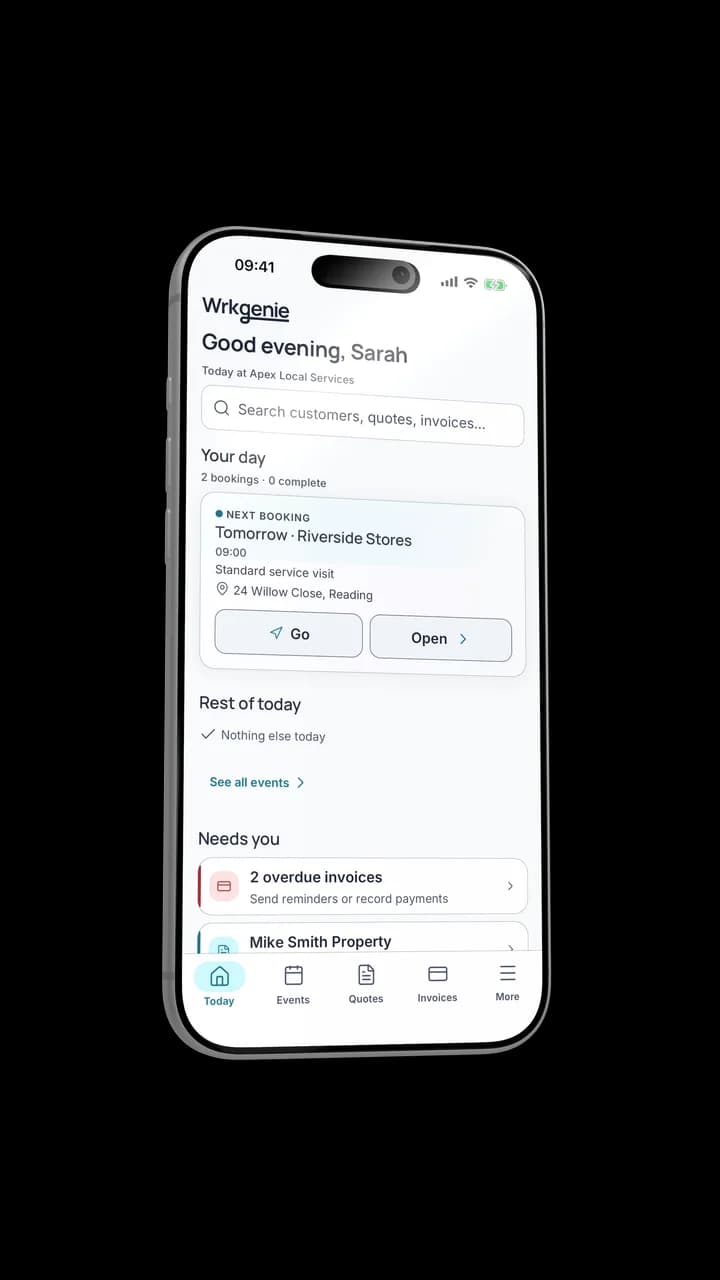
Keep the job and its details together
Scheduling sits between winning and getting paid
Scheduling is where the day gets shaped. The quote becomes the appointment, the appointment becomes the job, and the job becomes the invoice.
Know what needs attention
See what needs you — before it becomes a problem
WrkGenie surfaces what's coming up, what's overdue and what needs your attention — so the business doesn't live entirely in your head.
- • Upcoming work, at a glance
- • Overdue and outstanding invoices
- • Workflow alerts that flag what needs action
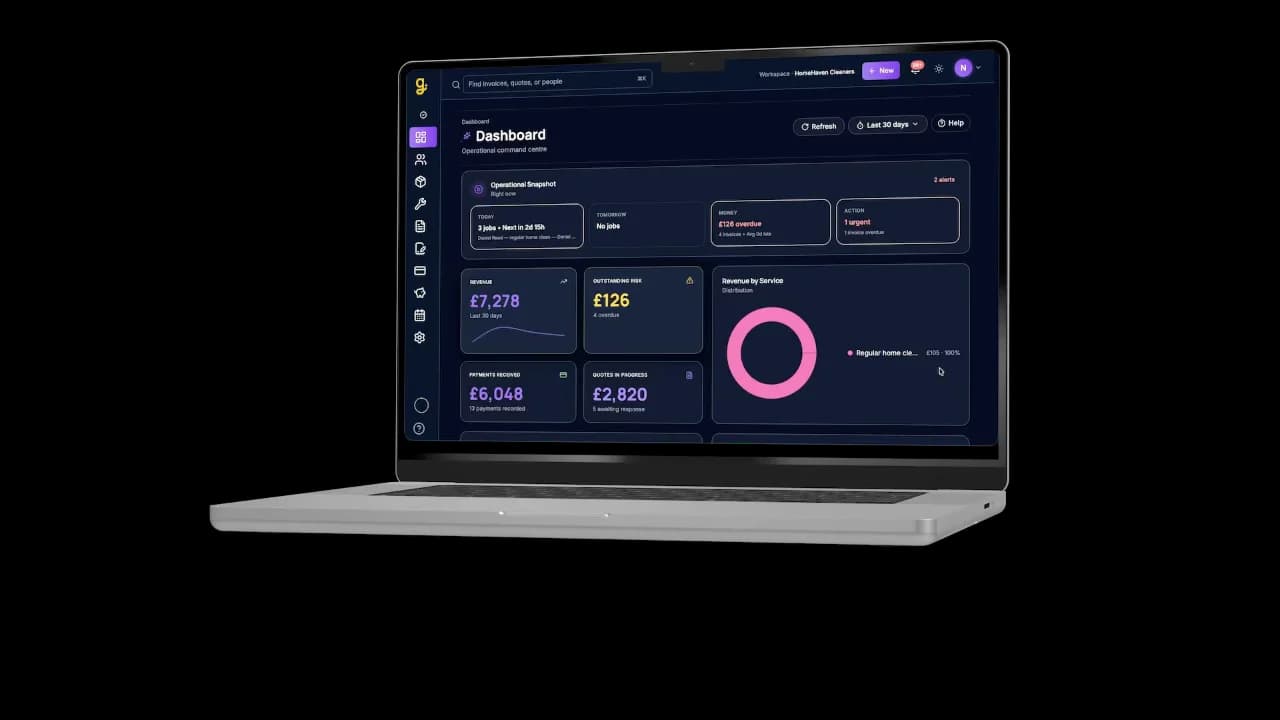
Same business, bigger screen
Scheduling, not booking — what's the difference?
Scheduling is the operator's job: organising the work you've already won. If you're looking for the appointment side — creating and managing the bookings your business takes — that's a different question.
Related capabilities
Industries
Tools & guides
Common questions about WrkGenie scheduling
Can I manage recurring jobs?
Yes. For weekly cleaning rounds, fortnightly maintenance or annual service visits, set a job to repeat and the next booking rolls forward at the interval you set — no manual re-entry, no risk of forgetting to rebook a regular customer.
Can I assign jobs to different staff?
Yes. On team plans, jobs can be assigned to specific team members and each person sees their own schedule. Changes made from the office appear on the other person's device when they sync.
Can I manage the schedule from my phone?
Yes. WrkGenie is a native phone app first — add a job, move a booking, check tomorrow or raise an invoice all from the same app, between jobs.
What happens if a job is cancelled or rescheduled?
Move it in the calendar and the customer record, job notes, quote and any linked invoice stay with it. The calendar flags conflicts before they become a problem on the day.
Does scheduling link to invoicing?
Yes — that's a core design decision. When a scheduled job is complete you raise the invoice from the booking in one tap, with the customer, line items and price already carried over.
Ready to run your business from your phone?
Start your free 14-day trial and see how much lighter the day feels when quotes, bookings and invoices live in one place.
On your laptop and phone · iPhone · Android · Web
14 days free · Core £19.99/month for 1 user · Pro £39.99/month for 3 users
No card required to start · No automatic charges after the trial · Cancel anytime