WRKGENIE for Android + iPhone
Your business. In your pocket.
Customers, quotes, bookings, invoices and payments — with you wherever the work takes you.
Built for your phone — not squeezed onto it.
Free for 14 days · No card required · Cancel anytime
On your laptop and phone · iPhone · Android · Web
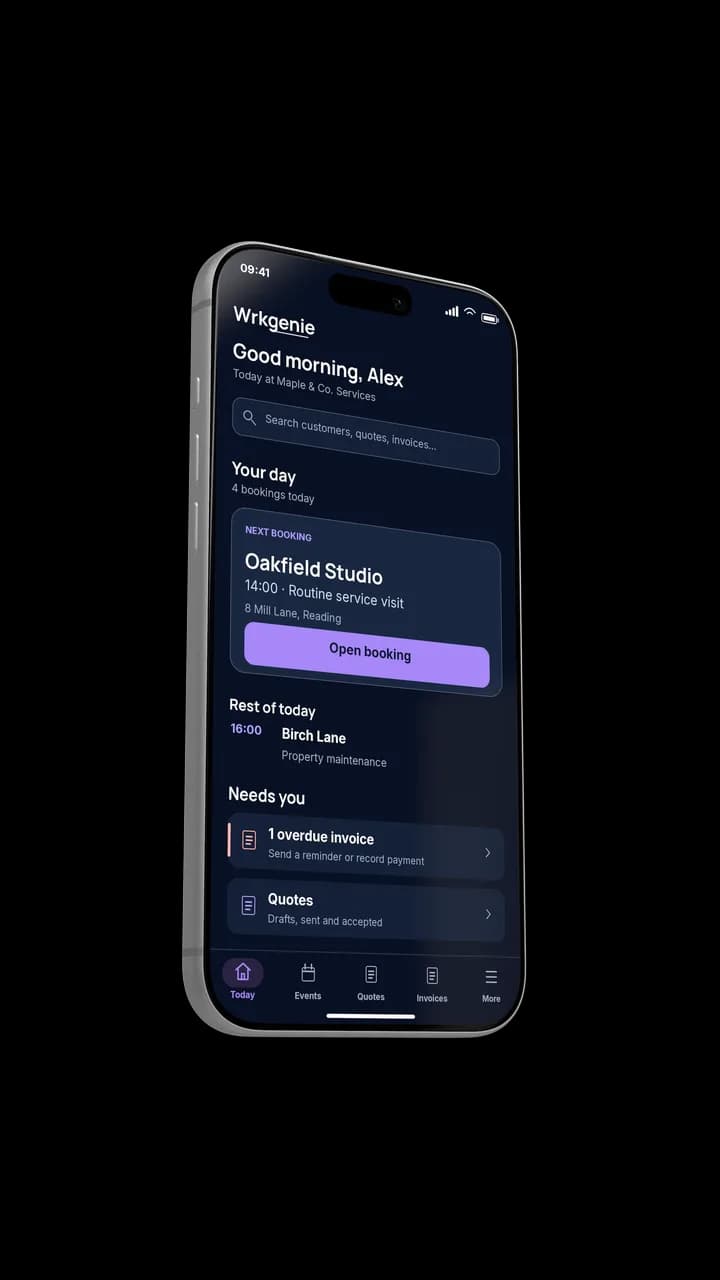
Your whole day, at a glance
One app. The whole business.
Everything you need to run a service business, from the first enquiry to the final payment — in one place.
Features available according to your WRKGENIE plan.
One connected workflow
These aren’t five disconnected mini-apps. A customer becomes a quote, an accepted quote becomes a booking, the booking becomes an invoice, and the invoice gets paid.
01 · Win the work
Turn an enquiry into a quote
Find or create the customer, build a professional quote, and send it while the job is still fresh.
The customer reviews and accepts on their own device — you just see the result. No chasing a paper quote.
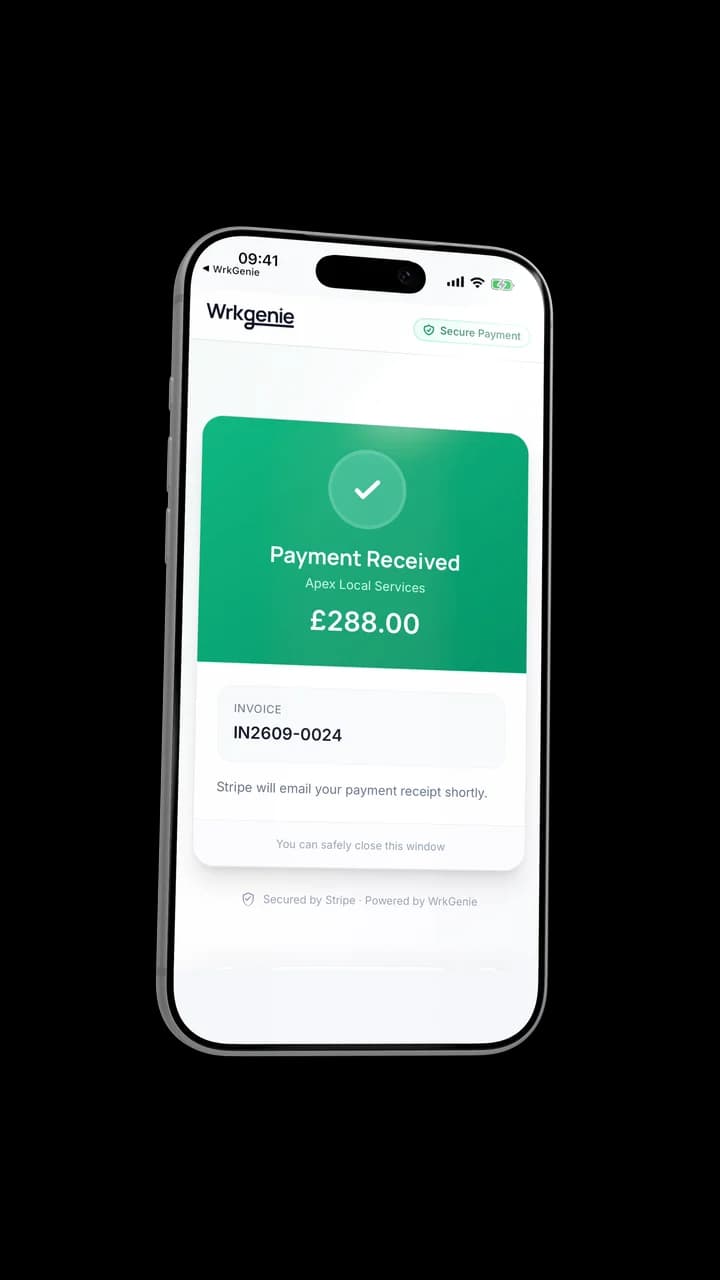
Turn an enquiry into a quote
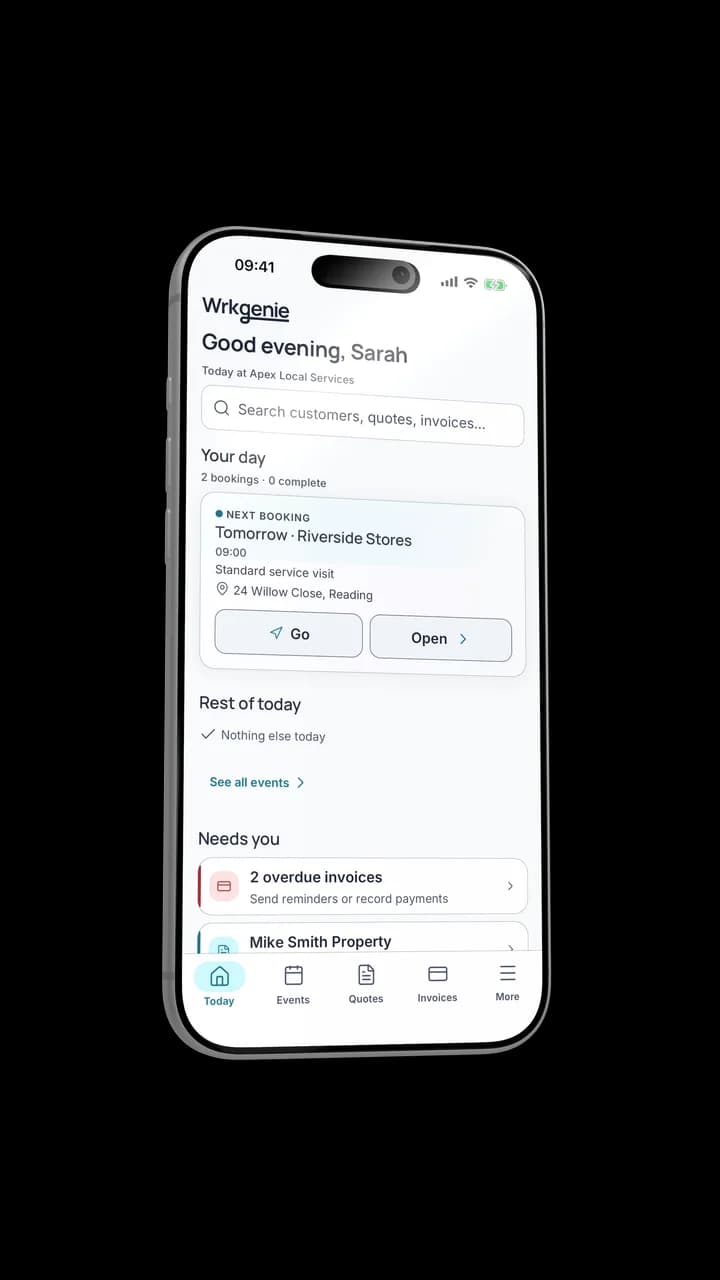
Keep the job and its details together
02 · Book the work
From accepted quote to booked
Turn the accepted quote into a booking with a date, time and customer attached. The calendar keeps the week in view.
No field-status games. No timers. Just booked work, organised. Travel buffer accounts for drive time between jobs, and calendar reminders make sure nobody misses a slot.
03 · Invoice & get paid
Finish. Invoice. Get paid.
Finish the booking, create the invoice from the same record, and send it before the admin piles up.
What you create on your phone becomes a professional document your customer can actually receive — not a rough list of numbers.
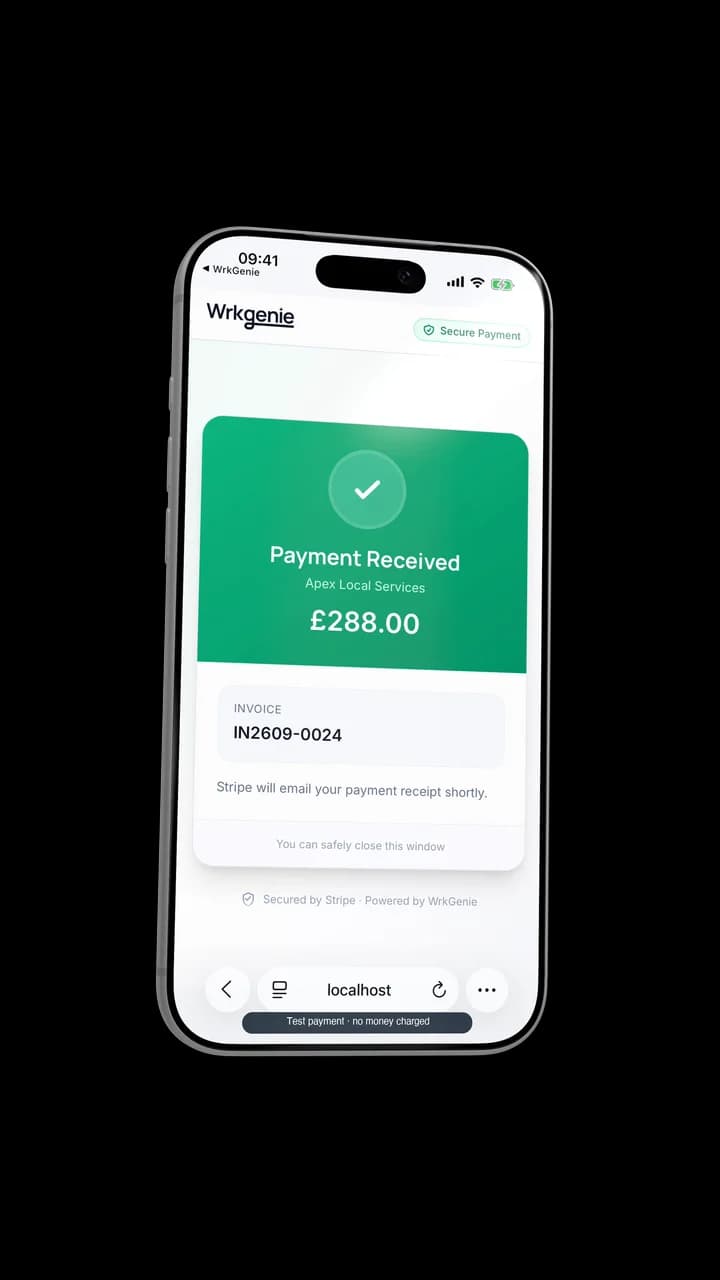
Invoice it, then mark it paid
Offline
No signal? Your business doesn’t stop.
Offline working is included on every plan. Keep working with customers, quotes, bookings and invoices when the signal drops. Your changes sync when you’re connected again.
Online payment processing, e-signing and AI help need a connection. Payment records can be saved offline and synced when you reconnect.
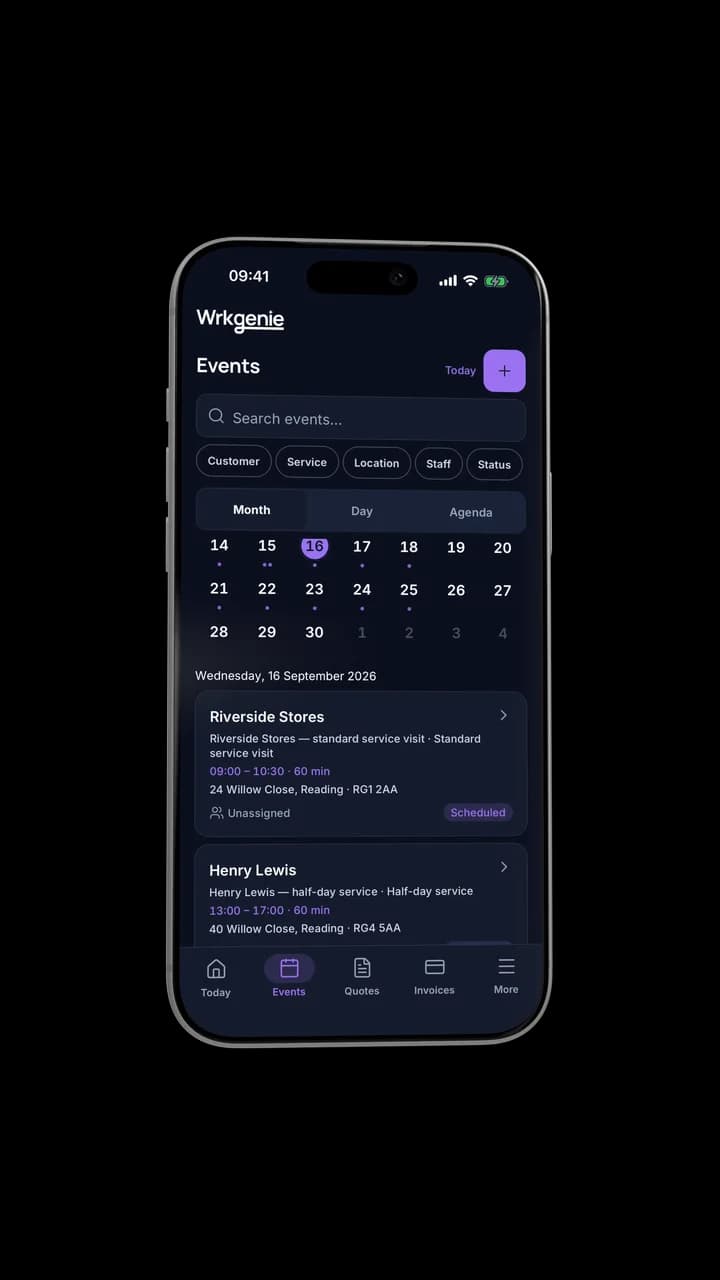
Keep working. Sync when you're back online.
AI where it helps
Small writing help inside the normal workflow — not another app to learn.
Tidy up a quote description
Write the detail, then let AI make it read professionally.
Write invoice line items
Turn a rough note into clean, consistent line items.
Draft a polite payment reminder
Chase an overdue invoice without the awkward wording.
Desktop
Same business. Bigger screen.
At your desk, open the full web app and carry on with the same customers, quotes, bookings and invoices.
More screen when you want it — included in the same subscription.
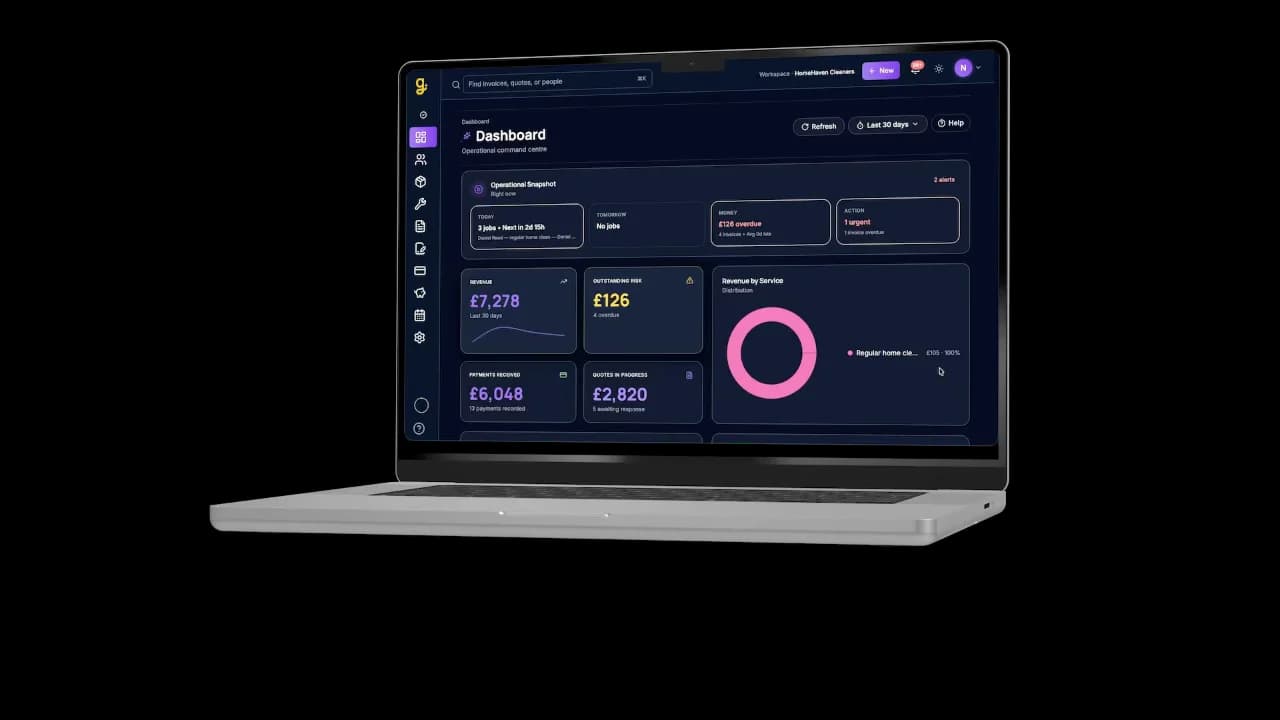
Same business, bigger screen
Android + iPhone + Web. All included.
One subscription covers the native apps, the web app, and AI writing assistance. No separate mobile charge. No AI credits. No add-ons to unlock the basics.
See the full plan details on the pricing page.
Ready to run your business from your phone?
Start your free 14-day trial and see how much lighter the day feels when quotes, bookings and invoices live in one place.
On your laptop and phone · iPhone · Android · Web
14 days free · Core £19.99/month for 1 user · Pro £39.99/month for 3 users
No card required to start · No automatic charges after the trial · Cancel anytime